Add the app to your home screen. It then opens like any other app.
Android (Chrome)
- Open the Limpea link in Chrome.
- Tap the three dots at the top right of Chrome.
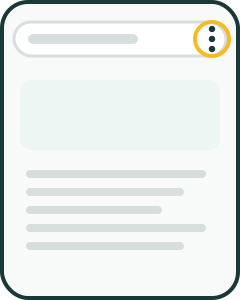
- Tap “Install app” or “Add to Home screen”.
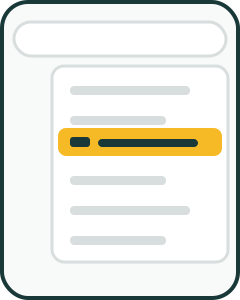
- Tap “Install”. The Limpea icon appears on your phone.
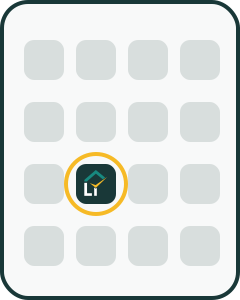
- Open the app from the icon, then allow notifications when asked.
iPhone (Safari)
- Open the Limpea link in Safari. It must be Safari, not another browser.
- Tap the Share button, the square with an arrow pointing up.
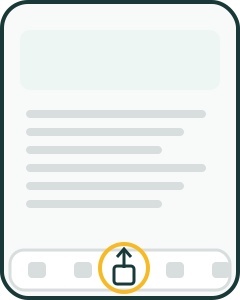
- Scroll down and tap “Add to Home Screen”.
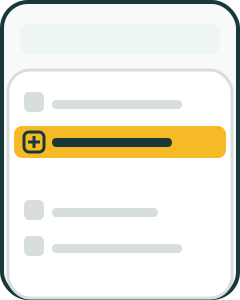
- Tap “Add”. The Limpea icon appears on your phone.
- Open the app from the icon, never from Safari, then allow notifications when asked.
Notifications on iPhone need iOS 16.4 or later. On an older iPhone the app works, but without notifications.